
PDFs, searching past sessions, and Salesforce MCP servers
Work with PDFs
Indent can now read, create, edit, fill, merge, and split PDFs, and it recognizes English text in scanned documents. On supported browsers, PDFs open in the side panel and source links jump to the referenced line. Images open and download in place, and supported videos play without leaving Indent.
Indent can search across previous sessions
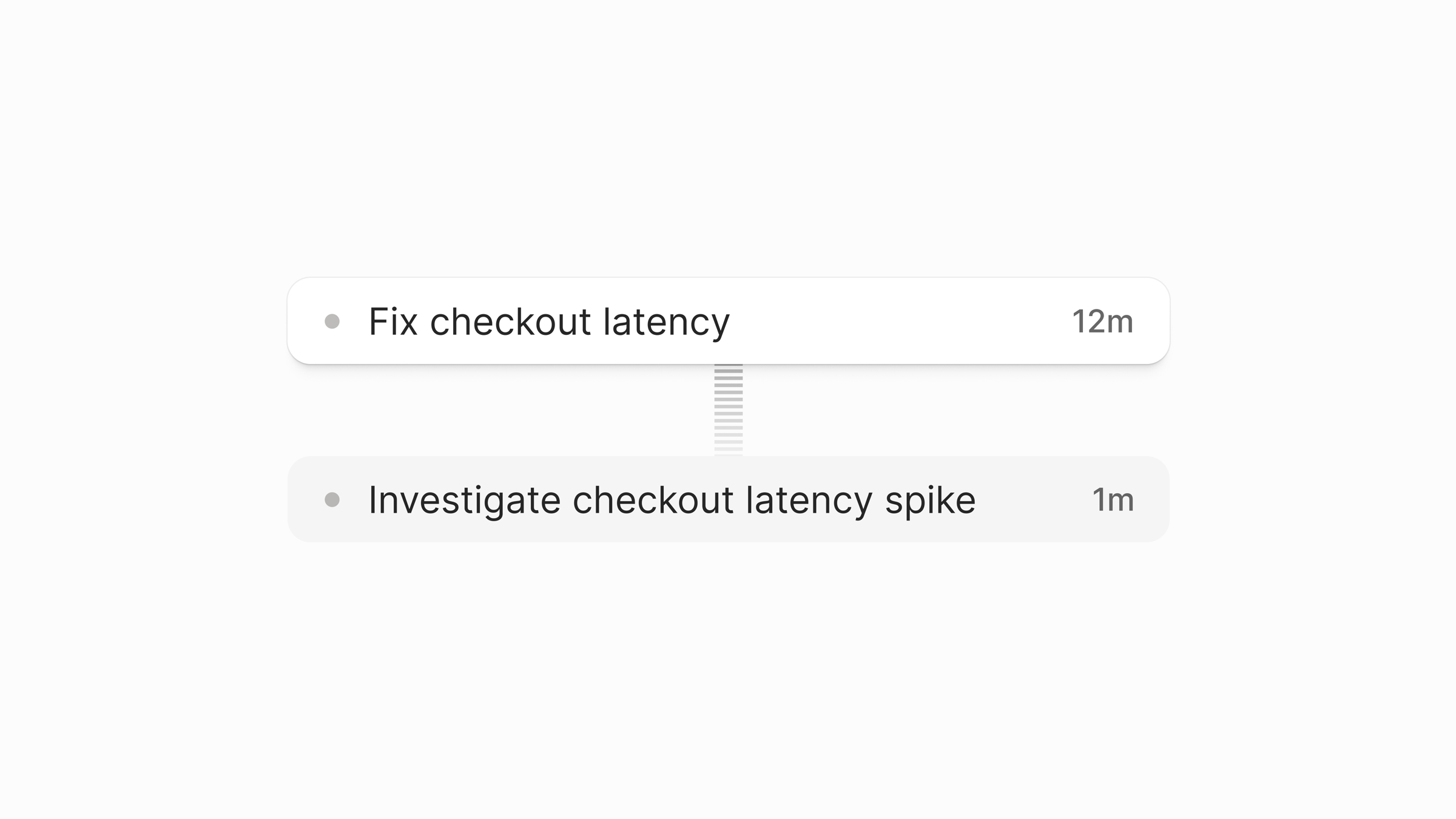
Indent can search earlier shared sessions in your organization, or your own private sessions from a private chat. Search by text, participants, pull request, Linear issue, or Slack channel, then read the matching conversation and tool history. Related work picks up where it left off instead of someone re-explaining the context.
Connect MCP servers hosted in Salesforce
You can now connect MCP servers that Salesforce hosts through your organization's Salesforce External Client App, so Indent can use Salesforce data in its work while the connection stays inside your existing Salesforce setup.
Also this week
- Leave a shared chat to hide it from your own lists. Other participants aren't affected, and sending another message rejoins it.
- Automations show who created them, and you can give chat-title guidance for naming scheduled runs.
- Open an environment straight from its ready notification, which now includes the verification goals and a configuration summary.
- Long event details, deep Review paths, and composer controls are easier to read on narrow screens.
- Notifications stay above dialogs, and navigation and Review labels are legible in every theme.
Start building today
Start on your Mac. From the first task, you're building the coworker your team will use.