
Review tiers, report sharing, and a model per automation
Choose Standard or Pro review for each repository
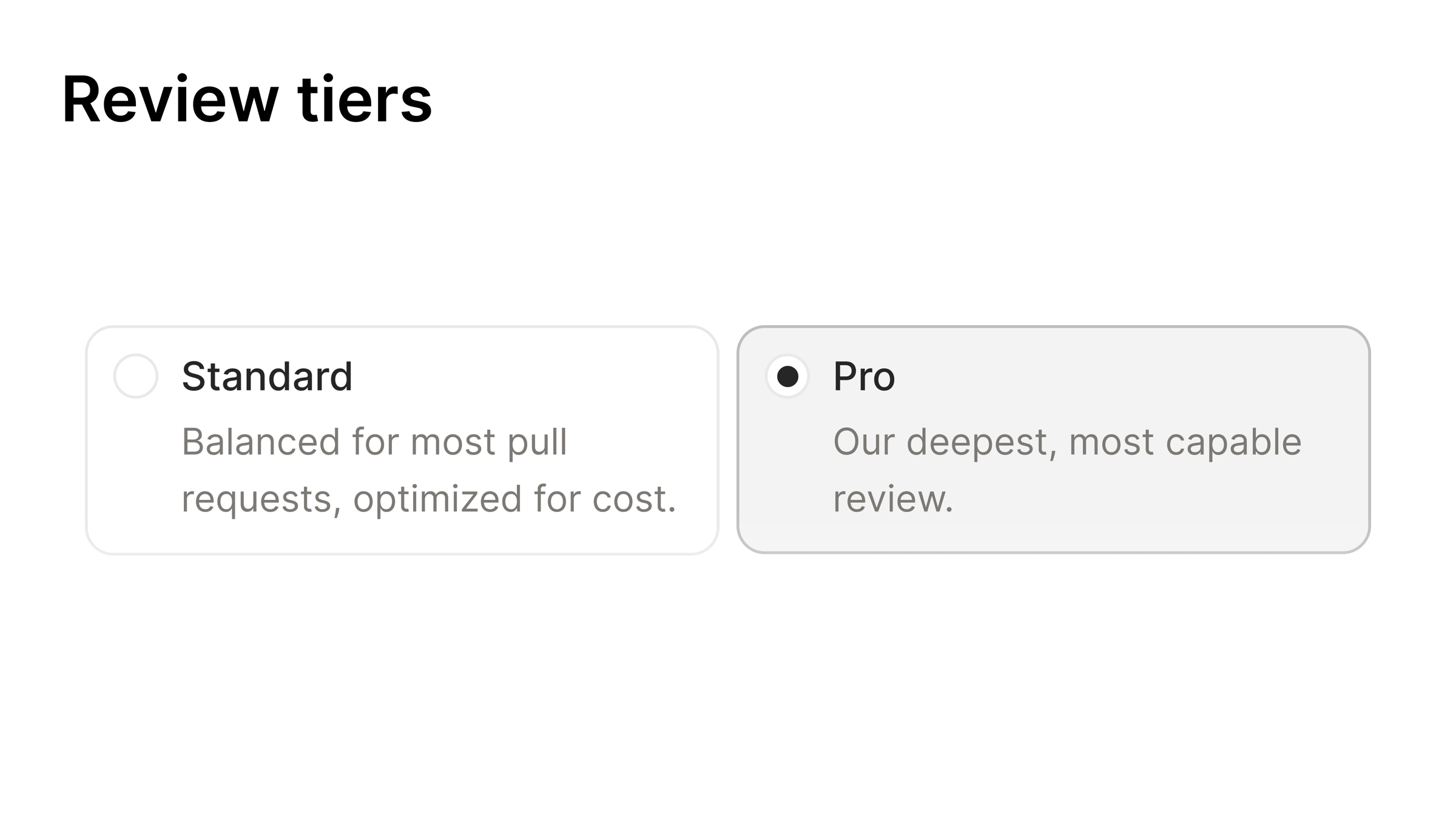
Not every pull request needs the same depth of review. Under Settings → Code Review you can now pick a tier per repository: Standard balances depth and cost, Pro is Indent's deepest review.
After a Standard review finishes, anyone with write access can request a Pro review from Indent's review comment on GitHub.
Find and share reports
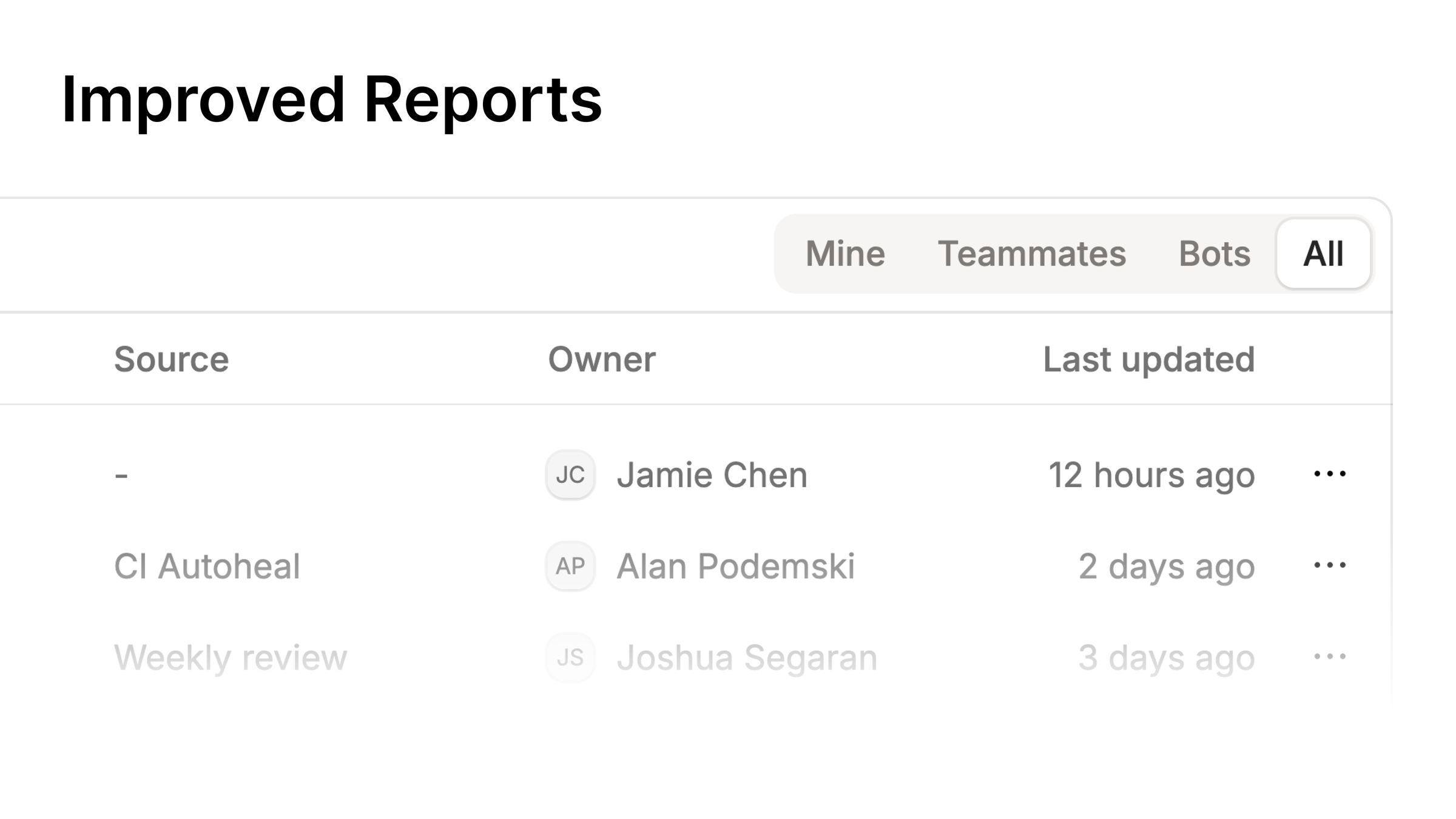
The Reports browser now filters by who created a report: you, your teammates, or bots. You can share a private report, with its full history, to your organization. While a report is open, its panel updates when the current chat publishes a new version.
Choose the model behind each automation
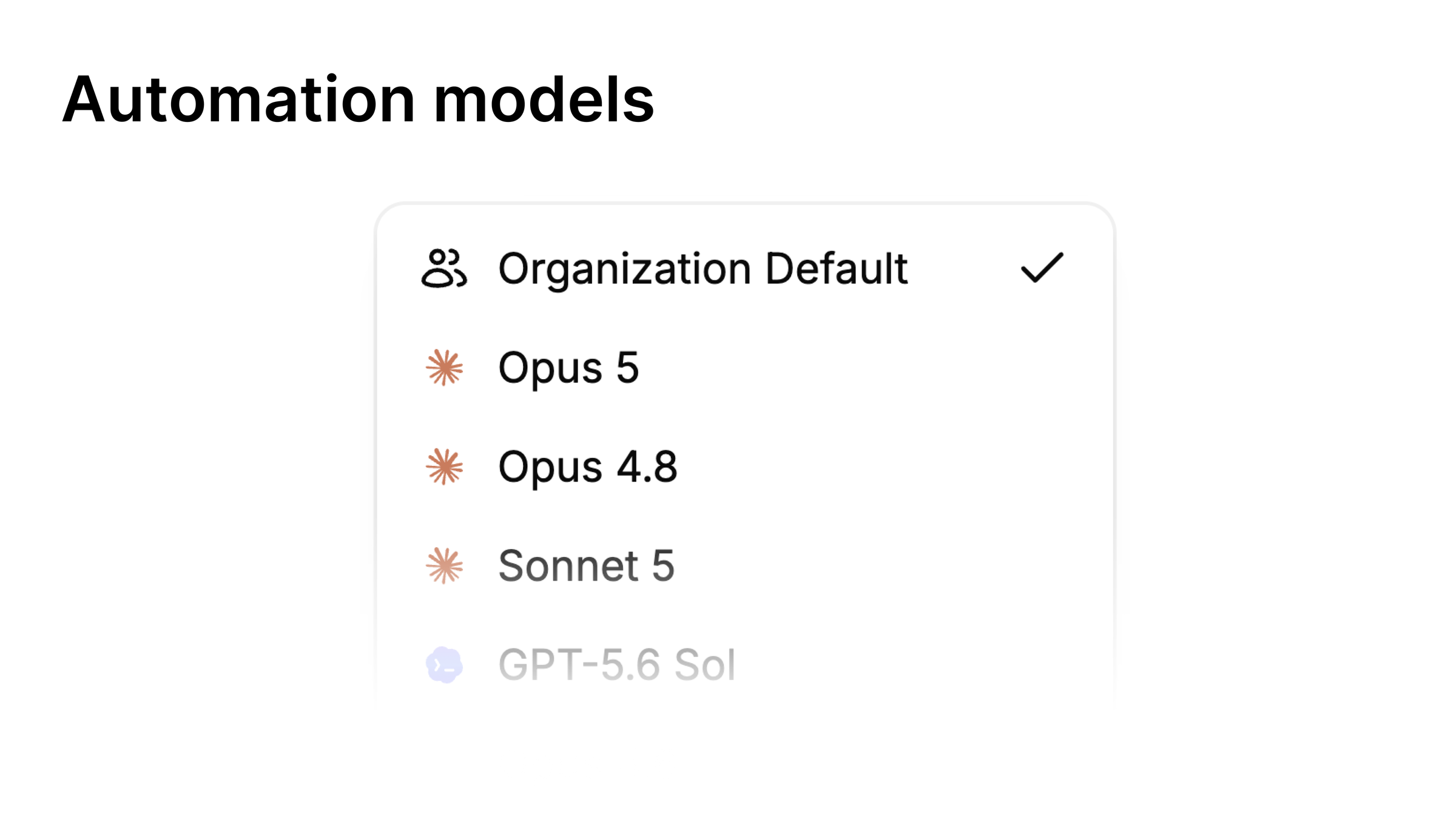
Automations run Indent on a schedule or from Slack. You can now choose which model they use: your organization's default, or a specific supported model for future runs. Set it when you create the automation or change it later.
Spot unread chats
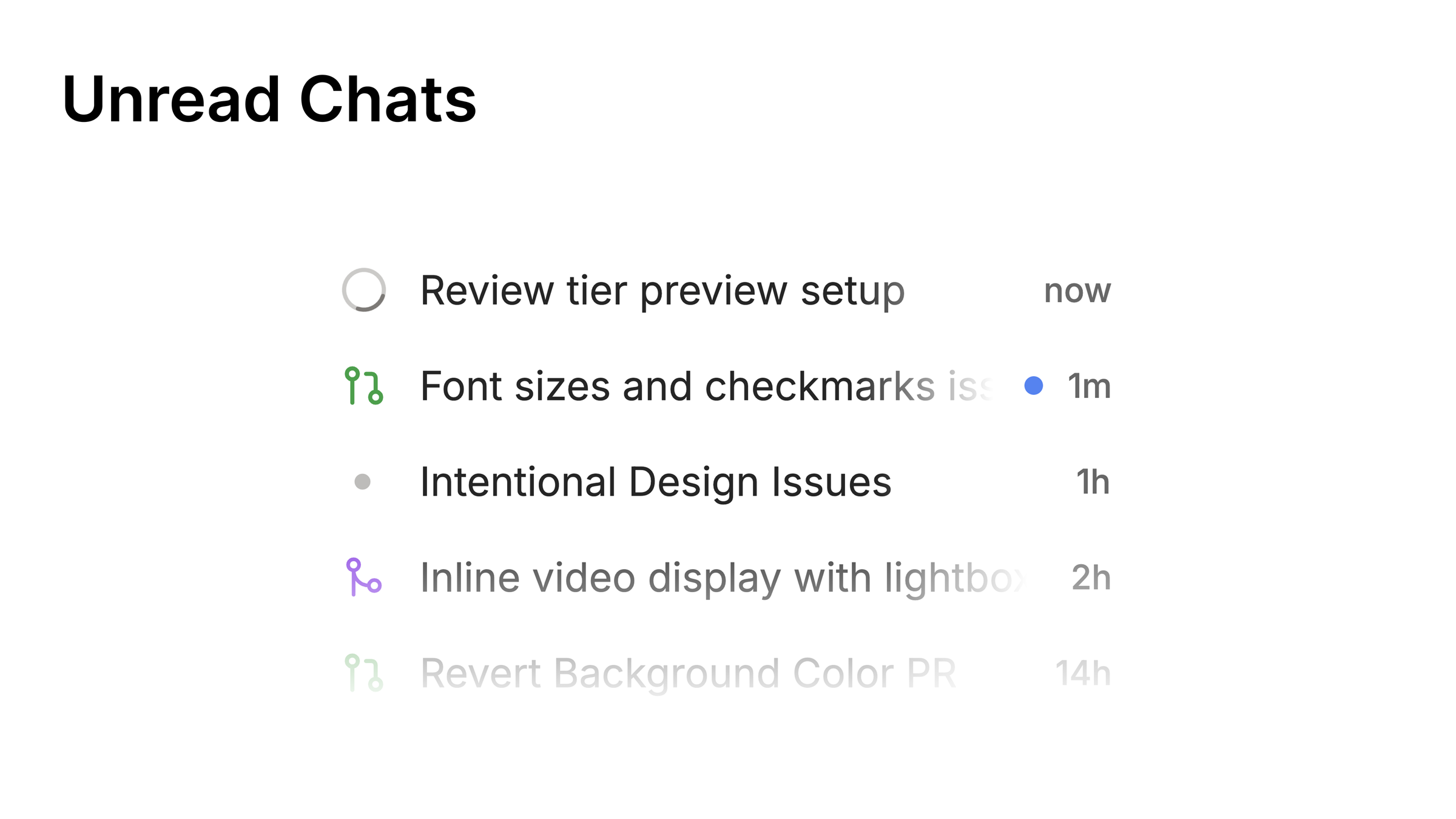
Unread chats show a dot in Home and in the sessions sidebar.
Improvements
- Paste a
postgres://orpostgresql://URL into the PostgreSQL connection form and Indent fills in the fields. - The desktop chat header shows everyone in the session.
- Organization admins can review this month and the previous three months of usage in Billing.
- Chats work better on small screens and with on-screen keyboards.
Fixes
- Google Calendar, Gmail, and Google Drive connections refresh automatically.
- Billing forms explain invalid values and failed payments.
- Truncated terminal output shows how many earlier lines were omitted.
Start building today
Start on your Mac. From the first task, you're building the coworker your team will use.